
Uninstall Mac apps cleanly
Find an app, review its related files, and remove the leftovers normal drag-to-Trash deletion can miss.
Remove app leftovers, old caches, trash, and other safe clutter before you delete anything. Free to use, with no account or subscription required.
macOS 13+. Review files before removal.


Focused cleanup
Magic Broom keeps cleanup narrow and practical: app removal, leftover files, safe clutter, and storage categories you can review before deleting.
Find an app, review its related files, and remove the leftovers normal drag-to-Trash deletion can miss.
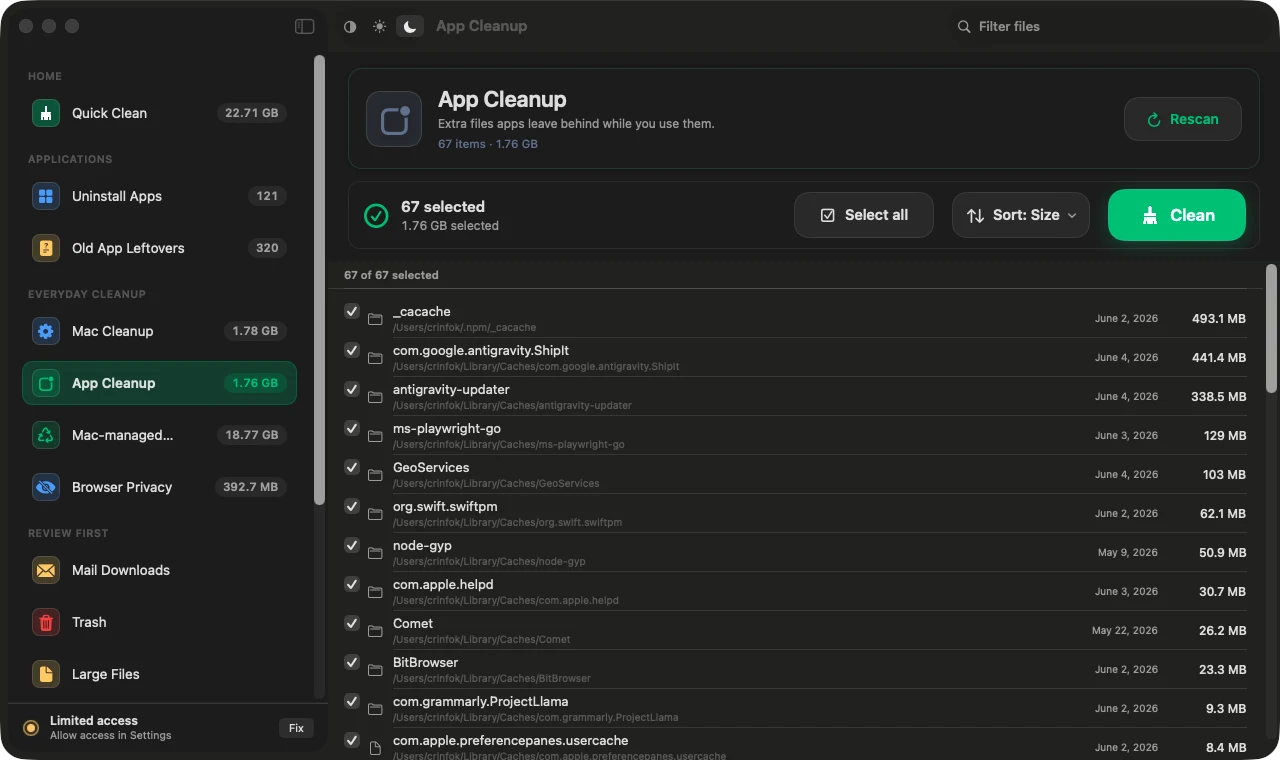
Surface orphaned support files, caches, containers, and preference files from apps you no longer use.
See what is selected before anything is removed, with confirmation built into destructive actions.
Clean common cache, log, trash, and developer-heavy categories when your Mac starts running out of space.
Human-readable decisions
Switch between cleanup states and see exactly what Magic Broom is asking you to review before anything is removed.
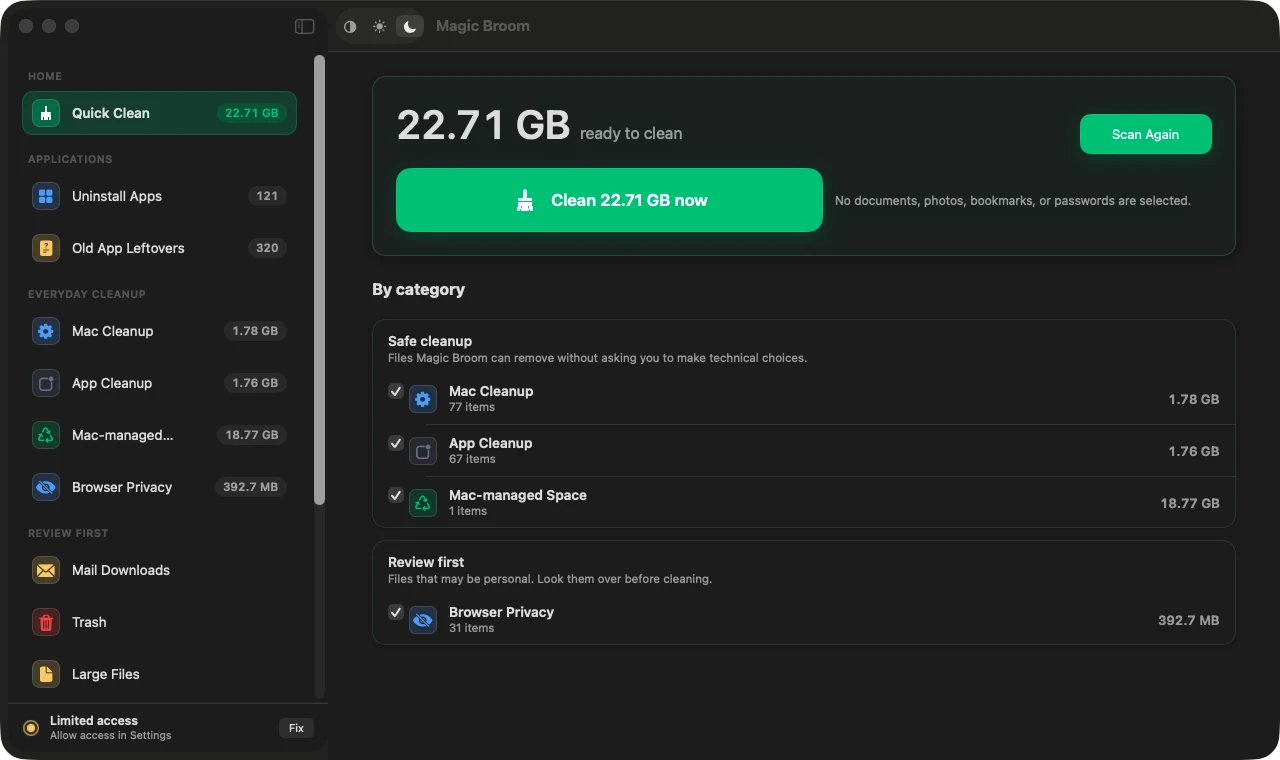
Why Magic Broom
You should not need a large utility suite to remove app leftovers or free up disk space. Magic Broom keeps the job local, clear, and easy to review.
Cleaning map
Remove apps with their related support files, preferences, containers, launch agents, and caches.
Free up Mac storage by reviewing caches, logs, trash, large files, and macOS-managed clutter.
Understand the storage buckets macOS hides under System Data and decide what is safe to clear.
Privacy by default
Magic Broom is designed around local cleanup. You should not need an account, a cloud profile, or a behavior feed just to remove app debris from your own Mac.
Guides
These guides explain where Mac storage goes, how app leftovers build up, and when a free Mac cleaner can save time.
A practical guide to manual cleanup, app leftovers, System Data, Magic Broom, and safe Terminal checks.
Read guideSee why Magic Broom is a focused free option for Mac cleanup and app leftovers.
Read guideSee the cleanup flows for app leftovers, safe clutter, large files, and storage review.
Read guideFAQ
Yes. Magic Broom is free to use for local Mac cleanup, app uninstalling, and leftover file review.
It helps you find the files an app leaves behind, including support folders, preferences, caches, containers, and launch agents, so you can review them before removal.
Magic Broom can help you find safe cleanup targets that often contribute to System Data, such as caches, logs, trash, developer files, and app leftovers.
No. You do not need an account, subscription, or cloud profile to clean your own Mac.
Ready when your Mac feels crowded
Download Magic Broom for a free, review-first cleanup flow on macOS.